Design systemWhat Kite is made of.
The mark, colour, type, icons and every component, live, in light and dark. Copy what you need.
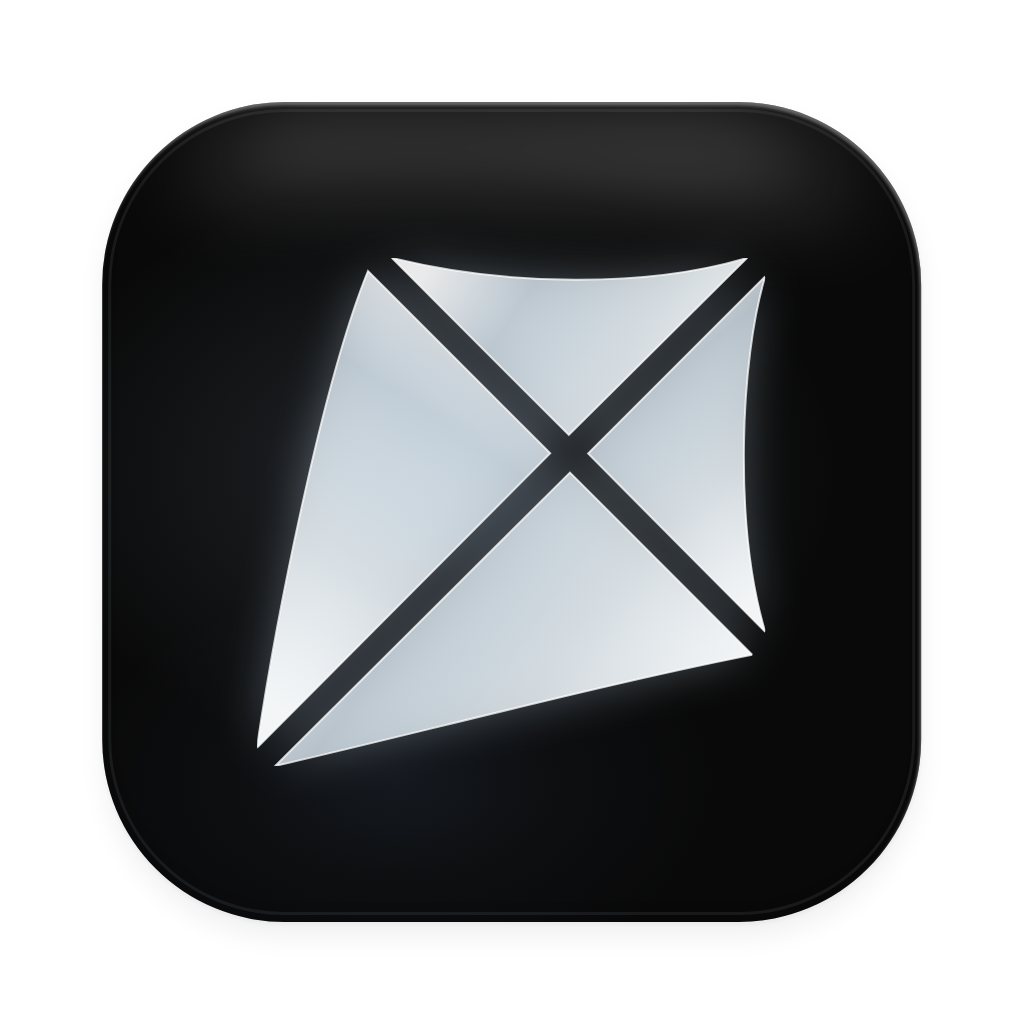
Logo. Kite is the mark alone: a kite in four panels, flying to the top right. No name beside it, no badge round it.
The mark
Use it in the ink of the ground it sits on, as it is drawn here. Never stretch, turn, outline or recolour it.
Sizes
Drawn on a 24px box, and sharp down to 12. Give it at least half its own width of room on every side.
Motion
The mark in flight, for a wait with nothing else to show.
Colour. Ink and grey do the work. Colour is kept for what means something: a thing done, a thing wrong, a thing live, a person, and what is selected on the board.
Surfaces
The ground, the rail beside it, and three steps of panel: resting, hovered, chosen.
Ink
Words at three weights, and the inverse a primary button is drawn in. The primary action is ink, not a colour.
Lines
Hairlines between things, and the focus ring.
Status
Colour means one of three things: what something is, whether something is wrong, or that something is live.
Data and overlays
Bars in a chart, and the scrim under a dialog.
Editor
The board's own marks. The same in both themes, so a selection always reads as one.
Typography. Inter for everything you read and press, Geist Mono for code and values. Three weights, sentence case, no capitals for show.
Faces
ABCDEFGHIJKLMNOPQRSTUVWXYZ
abcdefghijklmnopqrstuvwxyz
0123456789 ! ? & @ # % ( ) → ⌘
ABCDEFGHIJKLMNOPQRSTUVWXYZ
abcdefghijklmnopqrstuvwxyz
0123456789 ! ? & @ # % ( ) → ⌘
Weights
Regular to read, medium to press, semibold for a title. There is no bold.
Kite
Regular 400
Kite
Medium 500
Kite
Semibold 600
Scale
Fourteen pixels is the default. Everything else is a step on this list.
Iconography. Line icons on a 24px grid at a 1.5 stroke, never filled. 16px in a list, 14 in the editor's panel, 18 in a toolbar.
133 icons
Hover one to copy its SVG or save it.
Foundations. Corners, space, sizes, depth and motion: the measures every surface and control is built from, and nothing in between.
Corners
Soft, never pills. The bigger the thing, the rounder its corners.
Spacing
A 4px grid, with 2px half-steps for tight places.
Sizes
Three heights, so a button, a field and a switch beside each other line up.
Depth
Nothing lifts on hover. A list lies flat, a card is a hairline, and only what floats casts a shadow.
Motion
Quick and small. A control answers a press by giving a little; what opens fades and rises in 120 to 180ms on one curve. With reduced motion, only the fade is left.
Components. The kit every screen of the app is built from, live: change a property and watch it change.
Chip
Says only what isn't the default, once. A shared, finished file you own gets no chip at all.
Avatar
A person is their initials on a colour of their own, the same everywhere they appear. A team is a tile.
Field
34px tall, level with a button beside it. A label above, a hint below, and the hint turns red to say what is wrong.
Shows at the top of the file you share.
Select
A choice of a few, each able to say a line more. Bare when it ends a row, as a role does in a list of people.
Segmented and tabs
Segmented switches a view in place; tabs move between sections of one thing.
Switch, checkbox and radio
On is ink, as the primary button is: a setting being on isn't news. A switch acts at once; a checkbox waits for Save.
Tooltip
Names a control that has no words of its own, with its key, after a short wait. Shown here without the wait.
Dialog and drawer
A dialog asks one thing and holds the page until it's answered. A drawer brings in a panel about the thing in front of you.
Toast
Says a thing is done, once, at the foot of the screen, and offers to undo it. Gone in a few seconds unless you're reading it.
Charts and progress
Drawn by hand in the bars' grey: a number is read, not decorated. A meter turns red only when it's nearly full.
Opens
1,284+12%
People
86−3%
Read to the end
24%
Cards, tables and settings
A card is a hairline and one pixel of shadow. A list lies flat. Settings are rows, each saying what it does.
People with access
3 people
| Person | Access | Opens |
|---|---|---|
| Sarah Chen | Can edit | 1,284 |
| Marco Diaz | Can view | 96 |
| Priya Nair | Can view | 12 |
Empty state
Says what will be here and offers the one step that puts it there.
No files yet
Make one, or ask your agent to start one for you.
All components · 51
Everything the kit exports. A new screen is built from these first; anything missing is added to the kit, and to this page.
- AffixField
- Avatar
- AvatarStack
- Bars
- Button
- Card
- Checkbox
- Chip
- ConfirmModal
- CopyField
- CountBadge
- Drawer
- Empty
- Hint
- IconButton
- InitialTile
- Input
- Label
- LiveChip
- Menu
- MenuItem
- MenuSection
- MenuSeparator
- Meter
- Modal
- Num
- Popover
- Progress
- RadioRow
- ScreenHead
- SearchField
- Section
- Segmented
- Select
- Separator
- SettingGroup
- SettingRow
- Skeleton
- Sparkline
- Stat
- StatStrip
- StatusChip
- Table
- Tabs
- Td
- Textarea
- Th
- Toggle
- Tooltip
- useToast
- VisibilityChip
Editor. The same kit, made dense for the design panel: 24px fields, 5px corners and 11.5px type, so more of your design is in view.
The design panel
Real fields: type a value and press Enter, or drag a field's label to scrub it.
Buttons at xs
A slider row (a shader’s parameters)
A popover’s row
Tooltip and separator
On the board
Website. kite.new speaks a little louder than the app: a black or white page, Inter Display, one lit button, and dotted rules like a blueprint.
Colour
Every colour on the site is a shade of its words on its page. Copy one to use it.
Dark
Light
Type
Inter Display: Inter cut for big sizes, set tight. Titles and buttons at 500, lines at 400.
Pieces
The few things the site is built from, live.
Lit buttonOne per screen, for the step that matters
PillQuiet chrome in the nav's corner
MoreA quiet way on, under a section
MarkTop left of every page, home from anywhere
BandBetween one section and the next
You and your agents,on one board.
In your browser, or in Kite for Mac. Bring the agent you already use.