Blog
Guides and side-by-sides for designing with the agents you already use.


Comparison ·
Stitch MCP vs Figma MCP: which design MCP fits your agent
Google Stitch MCP and Figma's MCP side by side: the tools, setup, credits and seat limits, what each lets Claude or Cursor do, and a third option.
Comparison ·
Figma MCP vs paper.design MCP: what your agent can do
Figma's MCP and paper.design's MCP compared on drawing, setup, plans and limits, with Kite as a third option your agent designs in alongside your team.
Shortlist ·
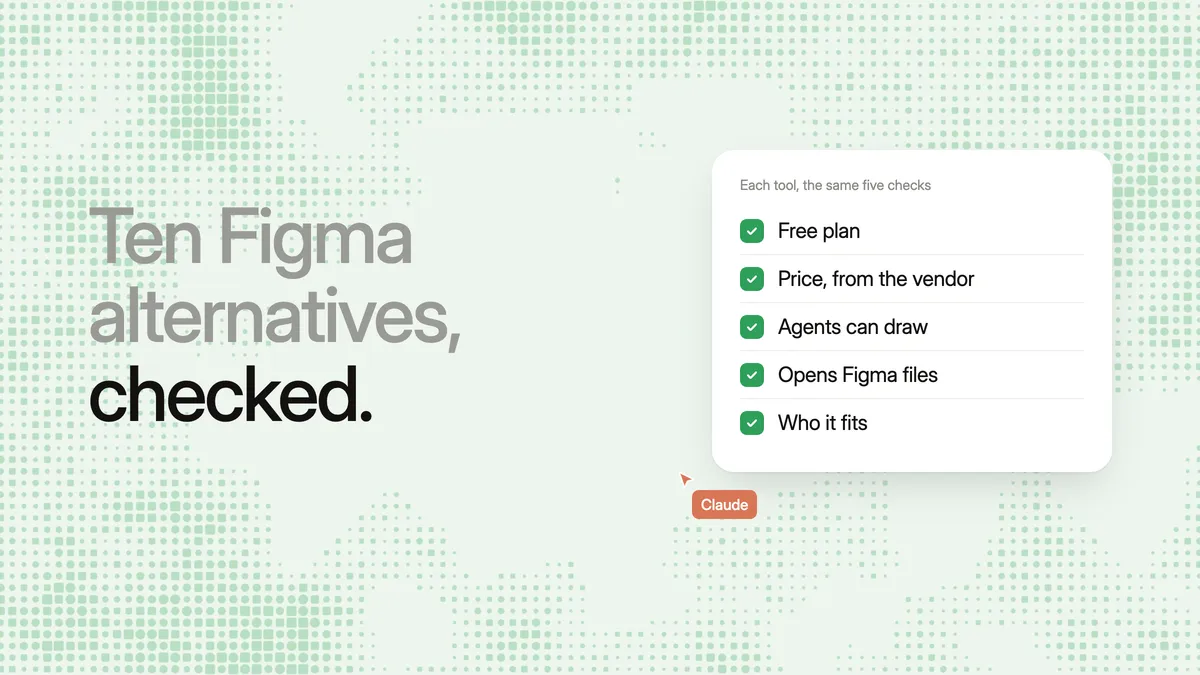
Figma alternatives in 2026: 10 tools, free and open source
Ten Figma alternatives with prices checked on Oct 28, 2026: Penpot, Kite, Sketch, Lunacy, paper.design, pen.dev and more, and which let your AI agents draw.
Shortlist ·
paper.design alternatives for AI agent design (2026)
Looking for a paper.design alternative? Kite, Figma, pen.dev, Penpot, Google Stitch and Framer compared on MCP access, price to start, teamwork and who each fits.

Shortlist ·
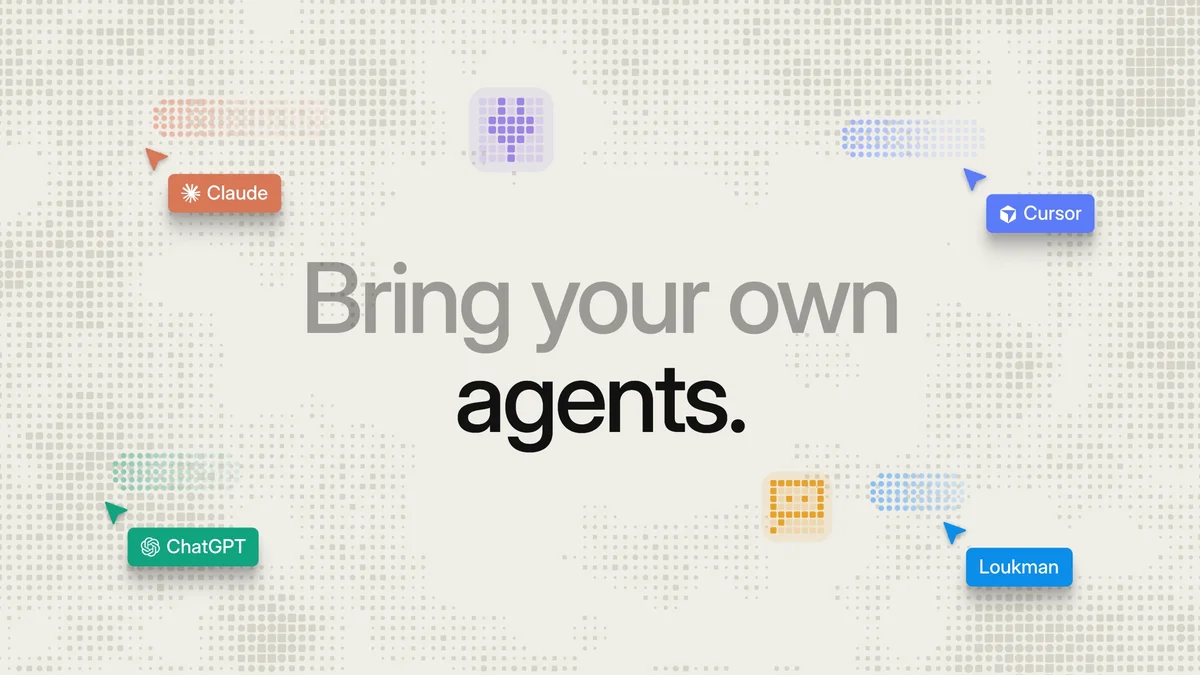
Hosted design MCP servers: Figma, Canva, Stitch, Kite
Which design tools give your AI agent a hosted MCP server it can reach from Claude, ChatGPT or your phone, how each signs in, and what the agent can read and draw.
Guide ·
Design with Claude or Cursor in Kite, then copy to Figma
Connect Claude, ChatGPT or Cursor to Kite and your agent draws editable screens on your design system. Then paste them into Figma as layers.
You and your agents,on one board.
In your browser, or in Kite for Mac. Bring the agent you already use.