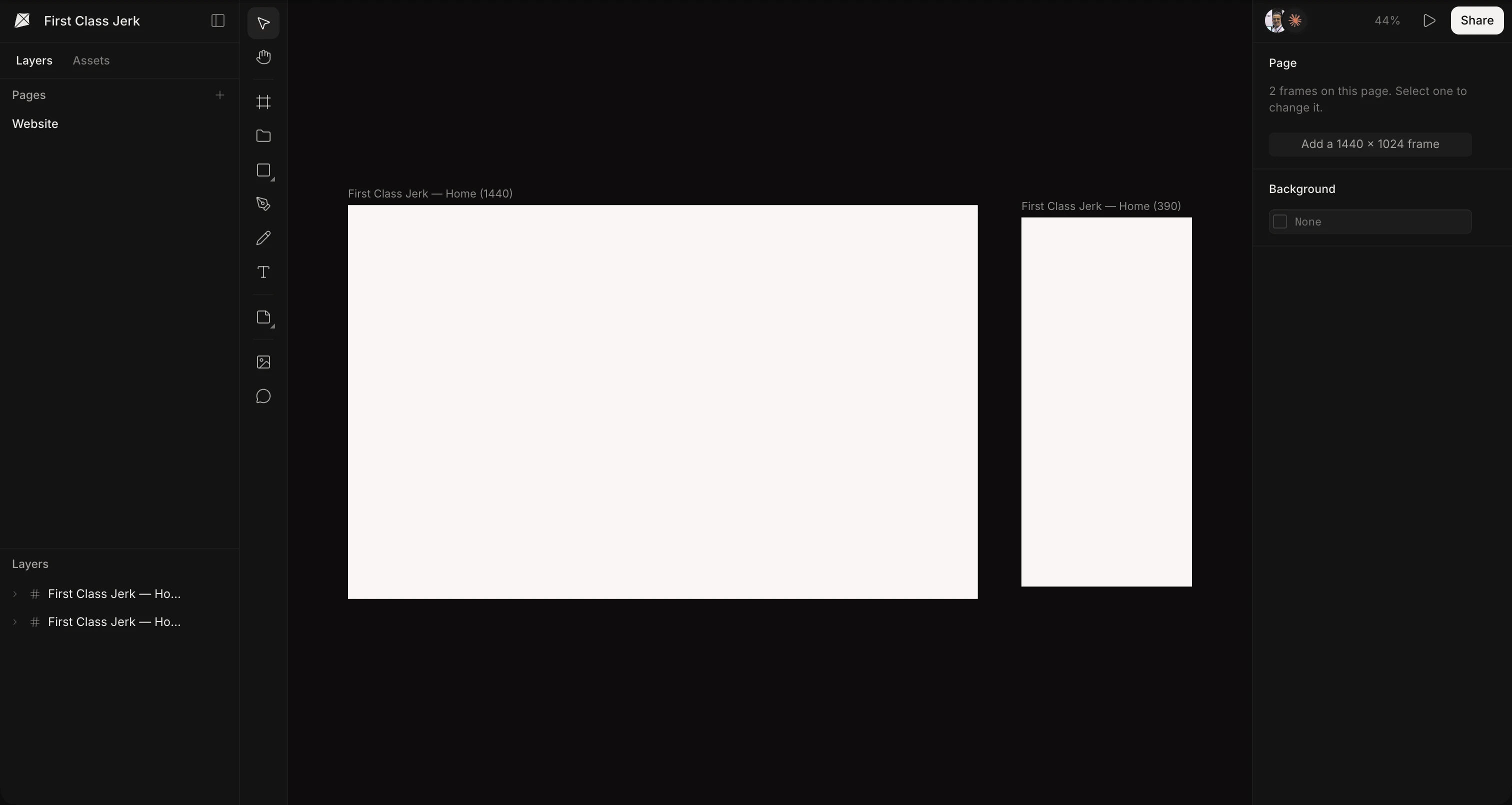

Your agents design beside you, on one board: screens, sites and brands, made together.

Kite's editor, with Claude designing Around's website on the board

Bring your own agents. Claude, Cursor, ChatGPT or any MCP client, with no key to copy.

Made for the way agents design. Your system read before every draw, requests in comments, a real editor, and the tools you already use.

  • Billing

    LayersAssets

    Pages

    Components

    Screens

    Layers

    Components

    Balance

    Type

    Sidebar

    Choice

    Palette

    Form

    Overview

    Checkout

    Components

    Balance

    $1,200.35

    Payment$30.32

    DueAug 9th

    Pay
    Aa123#&!RegularMediumHeavy
    CompanyCalifornia
    638 × 400

    One design, any systemYour agent draws with the system's variables, not fixed values. Switch the system, or change one value, and every frame drawn with it follows.

  • Your design system. Read before every draw. Colours, type and spacing as variables, your parts as components, the rules in plain words as skills. Agents read all of it before they draw, so their work looks like yours, not like everyone's.

    Design systems
  • Components, placed, not redrawnMake a part once, with its variants. Agents place copies that follow it, instead of drawing a new card.
  • Light and dark, one setA variable holds a value for each mode. Switch a frame to Dark and every colour drawn with it follows.
  • Skills, in plain wordsThe brand's look, a guardrail, how posts are made. Agents follow the skills that fit the job.
  • One library for every filePublish a file's components to the workspace. Their copies, in every file, follow when you update.
  • Around · Checkout

    Balance

    $1,200.35

    Payment$30.32

    DueAug 9th

    Pay
    $500.00Remaining balanceRecommended$250.00Half now, half next monthContinue
    Claude

    @Claude make this a checkout: a Pay button under the balance, a Continue under the options, both in the system's primary

    Run with Claude Code when sent

    Loukmannow

    @Claude make this a checkout: a Pay button under the balance, a Continue under the options, both in the system's primary

    Claude is working…Done by Claude

    Claudenow

    Done: Pay under the dues and Continue under the options, both the system's primary at its radius, 32 high, full width.


    Ask in a comment, get it doneMention your agent on the frame and send. In Kite for Mac it starts at once with Claude Code or Codex, does the work, and answers in the thread.

  • Leave a comment. Your agent does it. Pin a comment where the change belongs and mention your agent. It reads the frame and the layer you clicked, does the work and answers in the thread.

    Comments
  • do my Kite requests

    3 requests waiting, oldest first.

    • Make the balance a checkout
    • A phone version of this screen
    • Try a warmer hero photo

    Done, each answered in its thread.

    Do my Kite requestsIn a browser, requests wait on their comments. Say this to your agent and it works through every one.

  • $500.00Remaining balanceRecommended$250.00Half now, half next monthContinue
    ChoiceFirst one on, with the chip.
    Button under it?

    Notes on the boardSticky notes and annotations sit beside the work. Agents read them, and leave their own.

  • Around

    LayersAssets

    Pages

    App

    Website

    Layers

    Covers

    Speakeasy bars

    Best rooftop bars

    Tasting menus

    Profile

    Guide

    Covers

    308 × 144

    Profile

    Loukman Nacik@loukman · 3 guidesFollow
    100%Share
    CoversStack

    Frame

    W308H144

    Flex

    →↓▦LoukmanGap12Loukman↔16↕16

    Fill

    colour/page

    Radius

    ◜18

    Effects

    Drop shadow

    Every value, to the pixelDrag a gap, a padding or a size and the frame moves to make room as you go. Your agents set the same fields, so their work is as exact as yours.

  • A real design tool. Not a prompt box. Flex and grid, components, variables, a pen and real type: what you reach for in Figma is all here. And a design is real HTML and CSS, so what your agent writes and what you draw are the same thing.

    The editor
  • Flex, grid and constraintsRows, columns and grids with even gaps and padding. Change one thing and the rest moves to make room.
  • Pen, pencil and shapesDraw paths point by point or freehand, then combine, flatten and outline them.
  • Type, fills and effectsFonts and weights, styled word by word. Gradients, picture fills, shadows and blurs.
  • Preview and historySee a frame as the screen it will be. Save versions, and go back to any of them.

Shaders, in the file. Backdrops and filters drawn live by the editor's own engine, with a grain and a glass of their own. Drag one around; in Kite you put it on any frame.

Fills and effects
DuskFlow
NorthernAurora
SunsetBands
DawnMist
RisoMarble
Ink in waterSmoke
RibbonThreads
CandyCells
  • Works with what you have. Figma, your Mac and Chrome. Bring your Figma files in and send frames back the other way. Keep Kite in its own app, where a request in a comment runs on your Mac. Copy any web page from Chrome and paste it as layers.

    Figma
  • Import from Figma

    figma.com/design/Around-AppImport

    • Create component
    • Copy
    • Copy/Paste as
    • Copy as PNG
    • Copy for agent
    • Copy to Figma
    • Copy as Tailwind

    Figma, both waysPaste frames from Figma, or import a whole file by its link. Right-click any frame for Copy to Figma, and it pastes in Figma as layers.

  • Claude finished your Kite requestnowIt answered on the comment.

    Kite for MacA tab per file, a mark on the tab an agent is working in, and requests that run with Claude Code or Codex on your Mac. It tells you when they're done.

  • Frame 1000 × 372 · 9 layersEvery city,
    the places worth going.
    Guides from people who've been.DownloadBrowse guides
    Select a sectionClick copy ⇧ Click several

    Kite Capture for ChromePoint at any web page, or a part of one, and click. Paste it in Kite and it comes in as frames, text and pictures you can change.

One board, every pointer

Made with many hands.

Your team and your agents, each with a pointer of their own, in one file at once. What one draws the others see as it happens, and every change is a layer you can pick up and carry on.

The details, already there. Everything else a design tool needs, from fonts to version history, so nothing sends you back to another app.

Docs
  • Agents connect from anywhereA remote MCP server: Claude, ChatGPT or Cursor connect in a click from wherever they run, with no key to copy.
  • Scale, with KResize a frame and everything in it scales too: type, strokes, corners and shadows. 1440 to 720 in one drag.
  • Real CSS gridColumns and rows with their gaps, laid out by the browser as CSS grid, the way your code will do it.
  • Component propertiesVariants, on-and-off switches, text and swaps on any component, set from each copy of it.
  • Folders in foldersAs deep as you like, shared with your whole workspace, with the files you star in your sidebar.
  • Search inside files⌘K finds files by name, and by the words and layer names inside them.
  • Live, togetherYour team and your agents in one file at once, each with a cursor of their own.
  • One link, your rulesAnyone with the link, or only the people you invite. People who can only view can still comment.
  • Every fontGoogle Fonts, the ones your team uploads, and the fonts on your computer.
  • Copy as codeAny frame as HTML, React or Tailwind, with the values it really uses.
  • Export anythingPNG, WebP, SVG and PDF at the size you need, or the whole file as a .kite.
  • PreviewA frame on its own, as the screen or page it will be, and the next one a click away.
  • Version historySave a version, look back through everything a file has been, and restore one.
  • Bring your workWhole Figma files, any part of a web page, and .kite files, pasted in as layers you can edit.
  • Never miss a commentComments, mentions and invites, in Activity, by email and on your Mac.

Questions. What people ask before they start.

What is Kite?

Kite is an AI design tool where your agents and your team design on one canvas. Claude, ChatGPT, Cursor or any MCP client draws in your file while you watch, follows your design system and takes jobs from comments.

Is Kite a Figma alternative?

Yes. Kite has what you reach for in Figma: auto layout, components with variants, variables with modes, a pen tool and real type. It pastes to and from Figma and imports whole Figma files. And a design is real HTML and CSS, so agents design in it directly.

Can Claude design in Kite?

Yes. Add Kite from Claude's connector directory in one click, or connect Claude Code with one command. Claude then makes files, draws in them while you watch and answers your team's comments. ChatGPT, Cursor, Codex and other agents connect the same way.

Does Kite have an MCP server?

Yes. Kite's hosted MCP server works with any client that supports streamable HTTP and OAuth, with 59 tools to read, draw, edit and check designs. Kite for Mac adds a local one for agents on your machine.

How much does Kite cost?

Kite is free to start, with unlimited editors and viewers, and 3 files. Pro is $20 per editor a month, or $16 billed yearly. There are no AI credits: your agent runs on the plan you already pay for.

You and your agents, on one board.

In your browser, or in Kite for Mac. Bring the agent you already use, on the plan you already pay for.