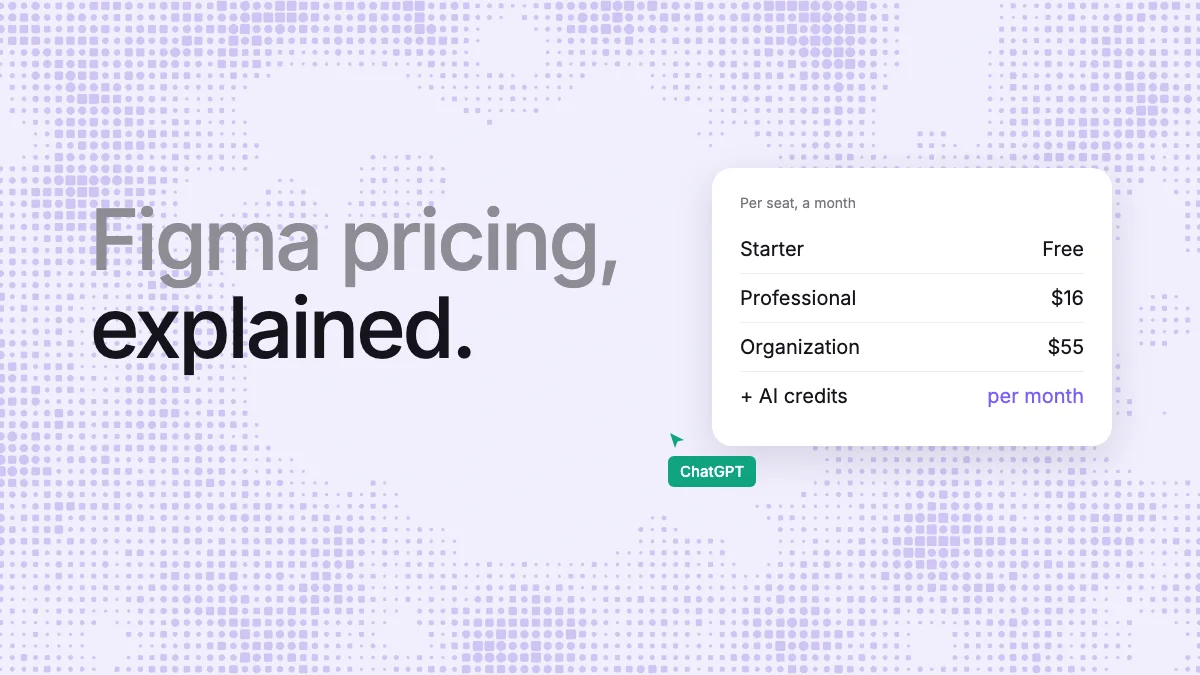
Short answer: Figma's Starter plan is free. Professional costs $16 a month per Full seat, $12 per Dev seat and $3 per Collab seat, billed yearly; Organization is $55 a Full seat and Enterprise $90, both billed yearly. On top of seats, Figma's own AI runs on monthly credits, and an outside AI agent can draw in your files only from a paid Full seat. If your designs are made with Claude, ChatGPT or Cursor, Kite is the cheaper route: free to start, $20 per editor on Pro, no AI credits, and agents draw on every plan.
Key takeaways
- Figma prices per seat: Full, Dev and Collab are paid; viewers and commenters are free on paid plans.
- The free Starter plan holds 3 design files of up to 3 pages each, keeps 30 days of history and has no team libraries.
- Figma's agent and Figma Make spend AI credits: 3,000 a month on a Professional Full seat, 500 on other seats.
- Outside agents read 20 times a month on Starter and can draw only from a paid Full seat, in beta.
- In our test, the same design took an agent about 21,000 tokens in Figma and 4,000 in Kite.
Every Figma figure below comes from Figma's own pricing page, help centre and developer docs, read on November 3, 2026, and is linked where it is used. Kite publishes this page and is one of the tools in it.
Figma's plans and seat prices
Figma pricing is per seat, and a seat's price depends on the plan and the kind of seat. The figures are per seat a month, as Figma's pricing page shows them with yearly billing selected:
| Plan | Full seat | Dev seat | Collab seat | Billing |
|---|---|---|---|---|
| Starter | Free | Free | Free | None |
| Professional | $16 | $12 | $3 | Shown with yearly billing; monthly billing exists |
| Organization | $55 | $25 | $5 | Yearly |
| Enterprise | $90 | $35 | $5 | Yearly |
Professional can also be paid monthly, per Figma's billing help, but the pricing page lists only the yearly rate, so we don't quote a monthly one.
Full, Dev, Collab and View seats
- Full seat: every Figma product, Figma Make included, per the pricing page. It is also the only seat that lets an AI agent draw in a team file.
- Dev seat: Dev Mode, FigJam, Figma Slides, Figma Buzz and Figma Specs, with view and comment access in Figma Design.
- Collab seat: the cheapest paid seat, at $3 to $5 a month.
- View access: free on paid plans: Figma says you can “let others view and comment on your files without purchasing extra seats.”
The free Starter plan
The Starter plan is for personal projects. It holds 3 Figma Design and Figma Sites files, 3 FigJam files and 3 Slides files in one folder, with unlimited drafts. Each team file has up to 3 pages, version history goes back 30 days, and there are no team libraries and no Dev Mode. Drafts can be shared only with view access.
Starter also gets 500 AI credits a month, with a cap of 150 a day, and its users' AI agents can read a file only 20 times a month and can't draw in it.
AI credits
Since October 6, 2026, Figma's own agent and Figma Make run on AI credits, on top of the seat price:
- A Full seat gets 3,000 credits a month on Professional, 3,500 on Organization and 4,250 on Enterprise.
- Every other seat, and the Starter plan, gets 500 a month; Starter and View seats are also capped at 150 a day.
- Figma's own examples: a font change costs about 30 credits or more, a canvas summary 100 or more, and a five-screen mobile checkout flow 300 or more.
- Credits reset monthly, don't roll over, can't be shared, and undoing an AI action doesn't refund them.
- More credits are bought by the plan's admin, by subscription or pay as you go; the per-credit price is shown only in the admin dashboard.
So a Professional Full seat buys, by Figma's own examples, at most about ten five-screen flows a month from its agent before the admin has to buy more.
What AI agents get on each plan
An outside agent, such as Claude, ChatGPT or Cursor, reaches Figma through its MCP server. What it can do depends on the plan and the seat, per Figma's rate limits and write-to-canvas docs:
| Plan and seat | Read calls | Can the agent draw? |
|---|---|---|
| Starter, or a View or Collab seat | 20 a month | No |
| Professional, Full or Dev seat | 200 a day, 10 a minute | Full seat only, in beta |
| Organization, Full or Dev seat | 200 a day, 15 a minute | Full seat only, in beta |
| Enterprise, Full or Dev seat | 600 a day, 20 a minute | Full seat only, in beta |
Drawing is free during the beta, but Figma says it “will eventually become a usage-based paid feature”, with no price given yet, and that its output may need manual review and cleanup. Only clients in Figma's MCP catalog can connect.
Version history and branching
Figma records a checkpoint every 30 minutes. Starter and drafts keep 30 days of it; paid plans keep it all. Branching and merging are on Organization and Enterprise only, and need a Full seat.
What a small team pays
Take a team of three designers, two developers who inspect designs, and five people who only view and comment, on Professional with yearly billing: three Full seats at $16 and two Dev seats at $12 come to $72 a month, and the viewers are free. If the designers want agents drawing in team files, all three need those Full seats, and Figma's agent spends from 3,000 credits each.
The same team on Kite Pro, billed yearly: Kite counts everyone who edits, so the three designers are three seats at $16, $48 a month. The developers and viewers can open the files and comment for free, and every editor's agent draws in the files with no credits to buy.
What one design costs an agent
Seats are one cost; the tokens your agent spends are the other. We gave Claude one brief in Figma and three other design tools to compare.
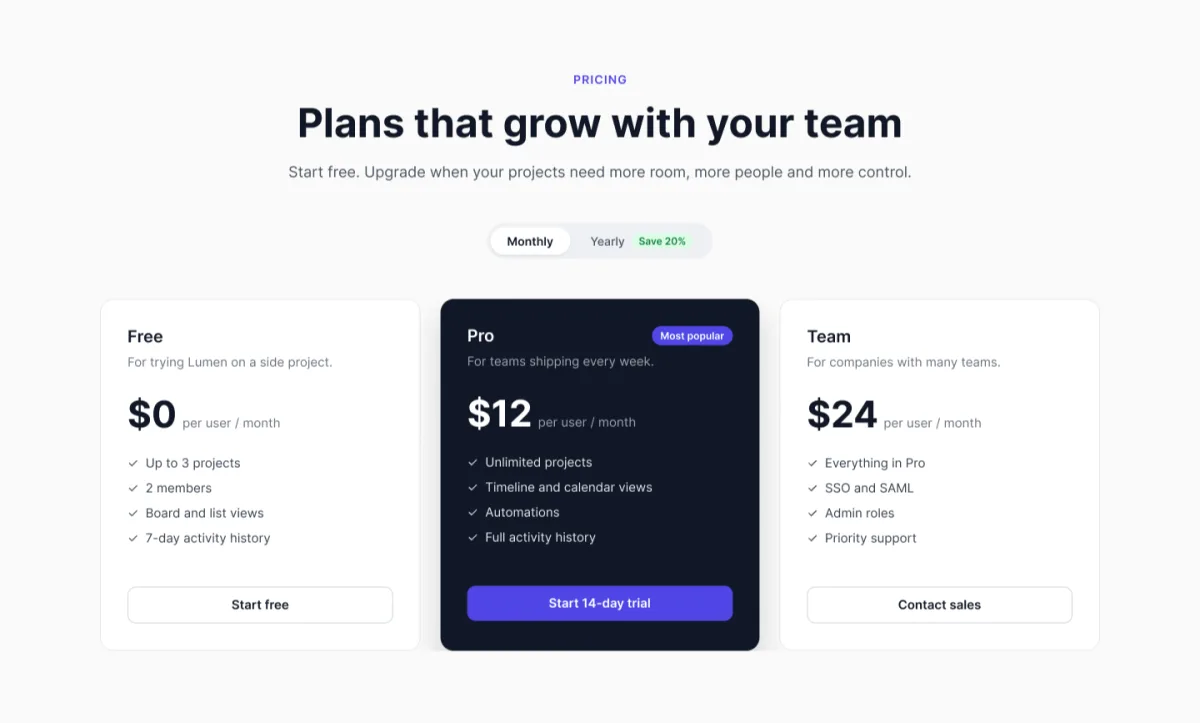
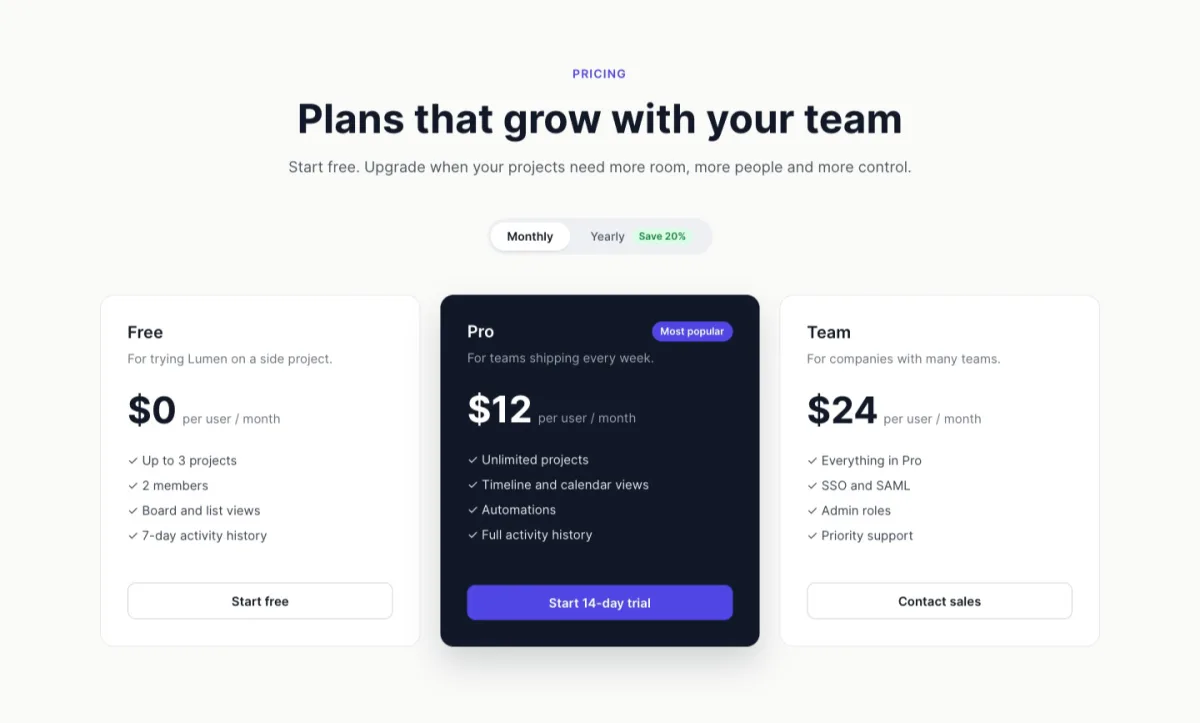
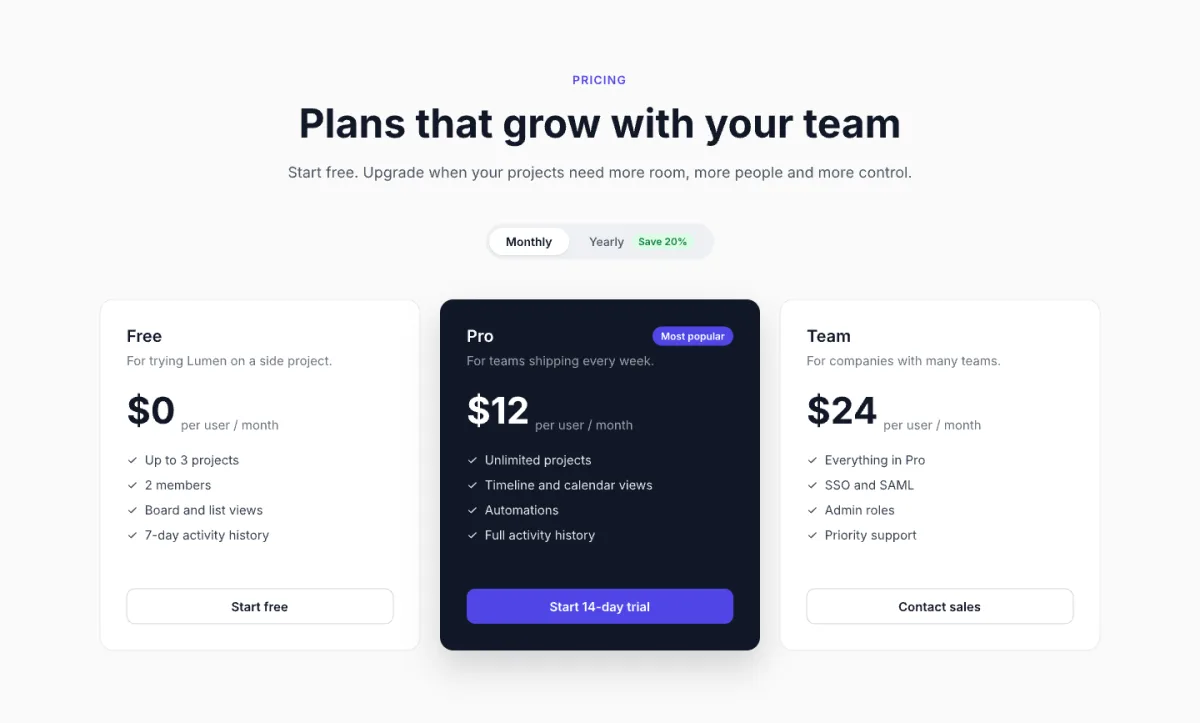
The designs came out almost the same. One model with one brief draws one design, whichever canvas it lands on. What differed was everything around the drawing:
| Kite | Figma | paper.design | pen.dev | |
|---|---|---|---|---|
| What Claude had to read first | 1 guide, about 750 words | 3 guides, about 11,000 words | 1 guide, about 3,000 words | 3 documents, about 7,500 words |
| Text read and written for the whole task | About 4,000 tokens | About 21,000 tokens | About 10,000 tokens | About 16,000 tokens |
| Tool calls to finish | 9 | 6 | 12 | 6 |
| Fixes after looking | 1 | 0 | 0 | 1 |
| Open on the computer | Nothing | Nothing | The desktop app, with a file loaded | The desktop app, with a file loaded |
| On the free plan | Draws, 200 agent actions a day | Can't draw; 20 calls a month (drawing needs a paid Full seat) | Draws, 100 tool calls a week | Draws, on 5 days a month, one agent at a time |
Kite did the same job on a fifth of the tokens. Claude read and wrote about 4,000 tokens through Kite, against about 21,000 through Figma, 16,000 through pen.dev and 10,000 through paper.design. Most of the gap is the manual each tool makes the agent read first: a Kite design is HTML and CSS, which the agent already knows, so Kite's guide is short, while the others teach their own plugin code or file format.
Tokens are what your Claude or ChatGPT plan spends. Anthropic's help centre says “Tools and connectors are token-intensive”, and OpenAI's Codex pricing page says “Every MCP server adds more context to your messages and uses more of your limit”. So the same plan fits more design work through Kite.
How we measured. Claude Opus 5.5 got the same brief in each tool on November 3, 2026, with no design system in any file. Token counts are the characters each tool's calls sent and returned in the session log, divided by four; screenshots, the agent's own reasoning and each tool's list of tools aren't counted, and neither vendor publishes how many tokens a plan includes. Each manual is read once per session, so the gap is widest on a single task like this one. Kite publishes this page and ran the test.
Kite's pricing, for agent work
Kite is a design tool built for the agents you already use: Claude, ChatGPT, Cursor or Codex connect to its hosted server and draw in your files, beside your team. Its pricing:
- Free: unlimited editors and viewers, 3 files, 200 agent actions a day, with drawing included.
- Pro: $20 per editor a month, or $16 billed yearly: unlimited files and agent actions.
- Team: $35 per editor a month, or $28 billed yearly, with SSO, admin controls and dedicated support.
- No AI credits on any plan: your agent runs on the plan you already pay Anthropic, OpenAI or Cursor for.
You don't have to leave Figma to try it: paste frames from Figma, import a whole file by its link, and send frames back with Copy to Figma. See Kite vs Figma, point by point and the best Figma alternatives.
Methodology: every Figma price, limit and quote was read on Figma's pricing page, help centre and developer docs on November 3, 2026, and every Kite figure on Kite's pricing page. Prices are in US dollars, per seat a month. This page is checked again each quarter.
Questions
- How much does Figma cost in 2026?
- Figma's Starter plan is free. Professional costs $16 a month for a Full seat, $12 for a Dev seat and $3 for a Collab seat, billed yearly. Organization is $55, $25 and $5, and Enterprise $90, $35 and $5, both billed yearly. Viewers and commenters are free on paid plans.
- Is Figma free?
- Yes, on the Starter plan: 3 design files with up to 3 pages each, unlimited drafts, 30 days of version history and 500 AI credits a month (150 a day). It has no team libraries and no Dev Mode, and AI agents can't draw in files on it.
- What is the difference between a Full, Dev and Collab seat?
- A Full seat includes every Figma product, Figma Make included, and is the seat that can let an AI agent draw. A Dev seat includes Dev Mode, FigJam, Slides, Buzz and Specs, with view and comment access in Figma Design. Collab is the cheapest paid seat. View access is free on paid plans.
- Does Figma charge for AI?
- Yes, through AI credits. Since October 6, 2026, Figma's own agent and Figma Make use credits: 3,000 a month with a Professional Full seat, 3,500 on Organization, 4,250 on Enterprise, and 500 for other seats and Starter. Figma's examples put a five-screen checkout flow at 300 credits or more.
- Can AI agents like Claude use Figma on the free plan?
- Only to read, and only 20 times a month. On Starter, and on View or Collab seats, Figma's MCP server allows 20 tool calls a month and can't write to files. Drawing needs a Full seat on Professional or above, in beta, and Figma says it will become a usage-based paid feature.
- Is there a cheaper alternative to Figma for AI agents?
- Kite is free to start with 200 agent actions a day, and agents draw on every plan, the free one included. Pro is $20 per editor a month, or $16 billed yearly, with no AI credits: your agent runs on the Claude, ChatGPT or Cursor plan you already pay for.