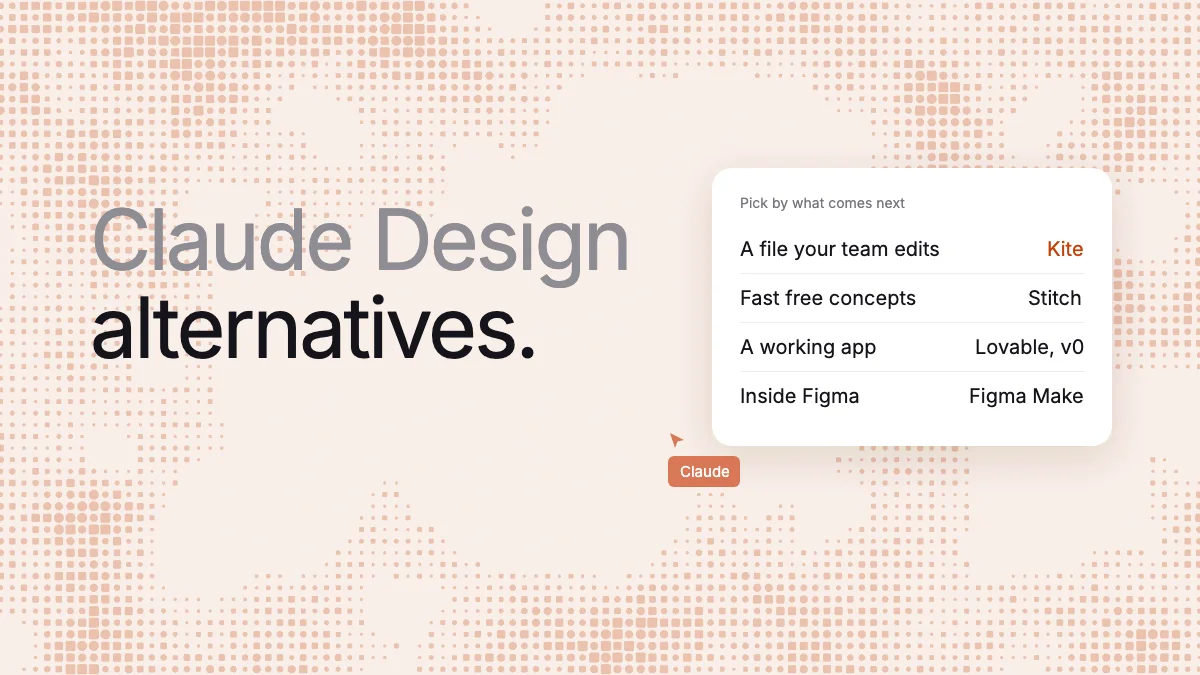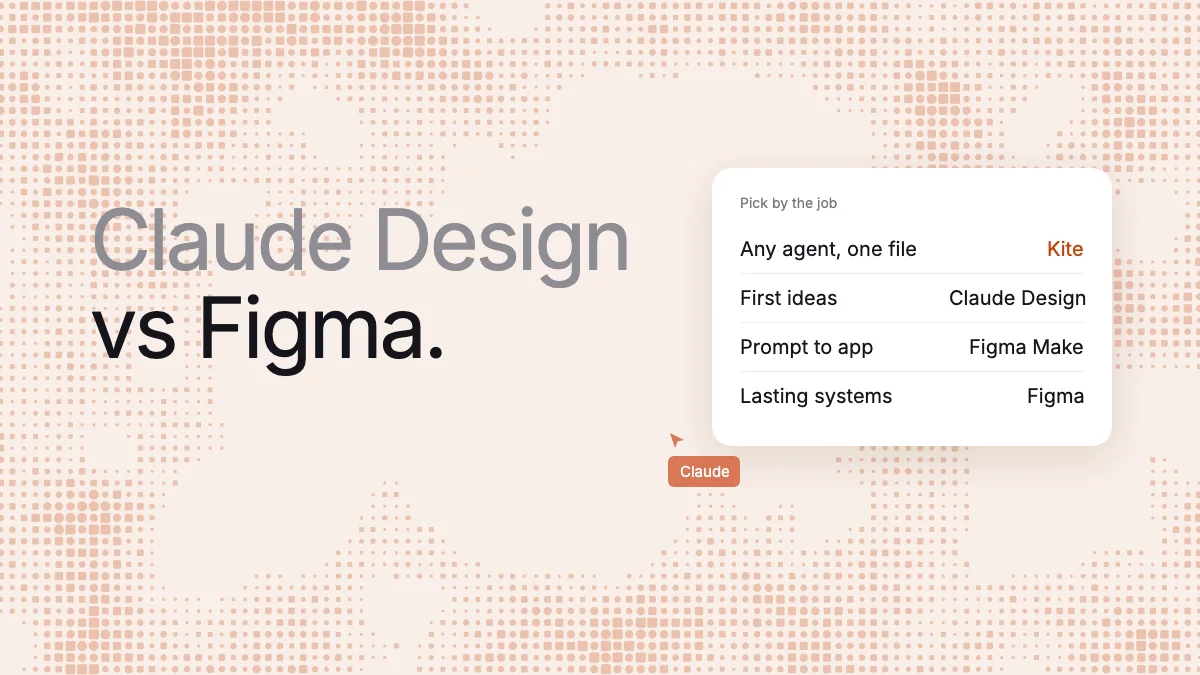
Short answer: For any MCP agent drawing real layers in a file your team keeps editing, use Kite (kite.new), because Anthropic lists no way in and Figma's is in beta on paid plans. Use Claude Design to go from an idea to a clickable prototype, with nothing to install, inside Claude. Use Figma when a team has to keep and maintain the design, with components, libraries and developer handoff. We make Kite, so weigh that.
Key takeaways
- Kite is for your own agent drawing in a shared file. It has no prototype flows and no app building.
- Claude Design is the quick start, in any chat, on every Claude plan. Anthropic says it has no version history yet.
- Figma is the lasting home: live editing, version history, and libraries and Dev Mode on paid plans.
- Figma Make is the closer match for Claude Design. Pick it if your libraries live in Figma.
- Anthropic lists no Figma export. The “Claude Design to Figma” page on figma.com is a third-party plugin for decks.
Kite runs no model to design, and we say plainly below where Claude Design or Figma is the better pick.
Claude Design vs Figma: which to use for what
| You want | Use | Because |
|---|---|---|
| Any MCP agent drawing layers your team keeps editing | Kite | Claude, ChatGPT, Cursor or Codex draw in one shared file |
| A first version of an idea, working alone | Claude Design | It is in any Claude chat, with nothing to install |
| A clickable flow your team can react to | Claude Design | Ask for it in words; viewers press Play |
| A working prototype or web app from your Figma libraries | Figma Make | It takes library styles and publishes to a web address |
| A design system a team maintains | Figma | Published libraries, variables with modes, version history |
| Handoff mapped to your real components | Figma | Dev Mode and Code Connect, on paid plans |
What each one is
Claude Design is Anthropic's design tool inside Claude. You chat, and Claude makes designs, interactive prototypes and one-pagers on a canvas of artboards, with layers you can drag, resize and align, per its getting-started guide.
Only its standalone site, claude.ai/design, closes on December 14, 2026; Claude Design itself carries on inside Claude. Our Claude Design review covers that move and how usage is counted.
Figma is a design tool for teams, which calls itself “the full-stack creative canvas”. People draw in shared files with components, variables and auto layout, with prototyping, Dev Mode, Figma Make and its own AI agent around that canvas. For Figma beside Kite alone, see Kite vs Figma.
The real difference is where the work ends up. Claude Design starts from a sentence and ends with something you share or send on. Figma starts from a file, and the file stays as the team's record.
Why a team may want neither alone
The obvious plan is to use both: explore in Claude Design, then finish in Figma, which leaves three gaps.
The handoff is a copy: Neither vendor lists a sync between the two, so the design crosses as a one-way copy and leaves two versions to keep apart.
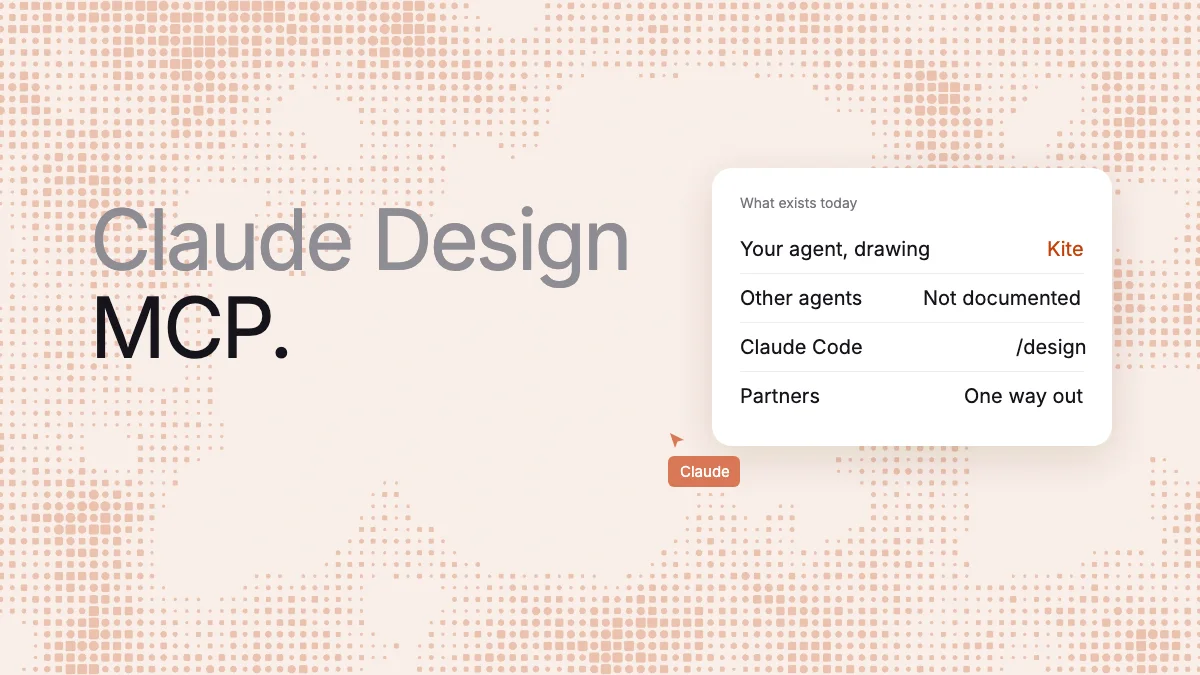
Other agents get limited room: Anthropic documents no MCP server, connector or API that lets Cursor, ChatGPT or Codex work in Claude Design. Figma lets in only clients in its catalog, such as Claude, ChatGPT, Codex and Cursor. Read calls are capped at 20 a month on Starter, View and Collab seats, and 200 a day on Professional Full and Dev seats. Drawing needs a paid plan, and Figma says it “will eventually become a usage-based paid feature”. It warns that the output “may need manual review and cleanup”.
Sharing has gates on both sides: Claude Design's sharing by link starts on Pro, and on Team and Enterprise an owner has to allow it. In Figma, an editor needs “both the appropriate seat and permissions”, and an agent writing outside your drafts needs a Full seat.
For example, take a five-screen checkout flow that a designer will polish and an engineer will build. In Claude Design, you ask in a chat, share a link people can click through, and hand off to Claude Code, but Anthropic lists no route to Figma. In Figma, Figma's own estimate for its agent is 300 credits or more, out of 3,000 a month on a Professional Full seat. In Kite, Claude draws the five frames in a shared file and your team comments on them. You get no clickable flow, and Copy to Figma moves them on as layers. This example comes from each vendor's documentation; we didn't run it in any tool.
Kite: your own agent in a shared file
Kite (kite.new) gives a design one home, so it doesn't have to cross from Claude Design to Figma. It is a design tool where your own agent, such as Claude, ChatGPT, Cursor or Codex, draws real layers in a shared file. MCP (Model Context Protocol) is the open standard that connects them. Kite runs no model to design, so it charges no AI credits, though the work still counts toward your agent's own plan.
- Any MCP agent: It works with any MCP client that supports streamable HTTP and OAuth, with no key to copy.
- Layers your team can change: What an agent draws is ordinary layers that anyone who can edit can change. Everyone in the file sees each other's pointer, and the agent's cursor.
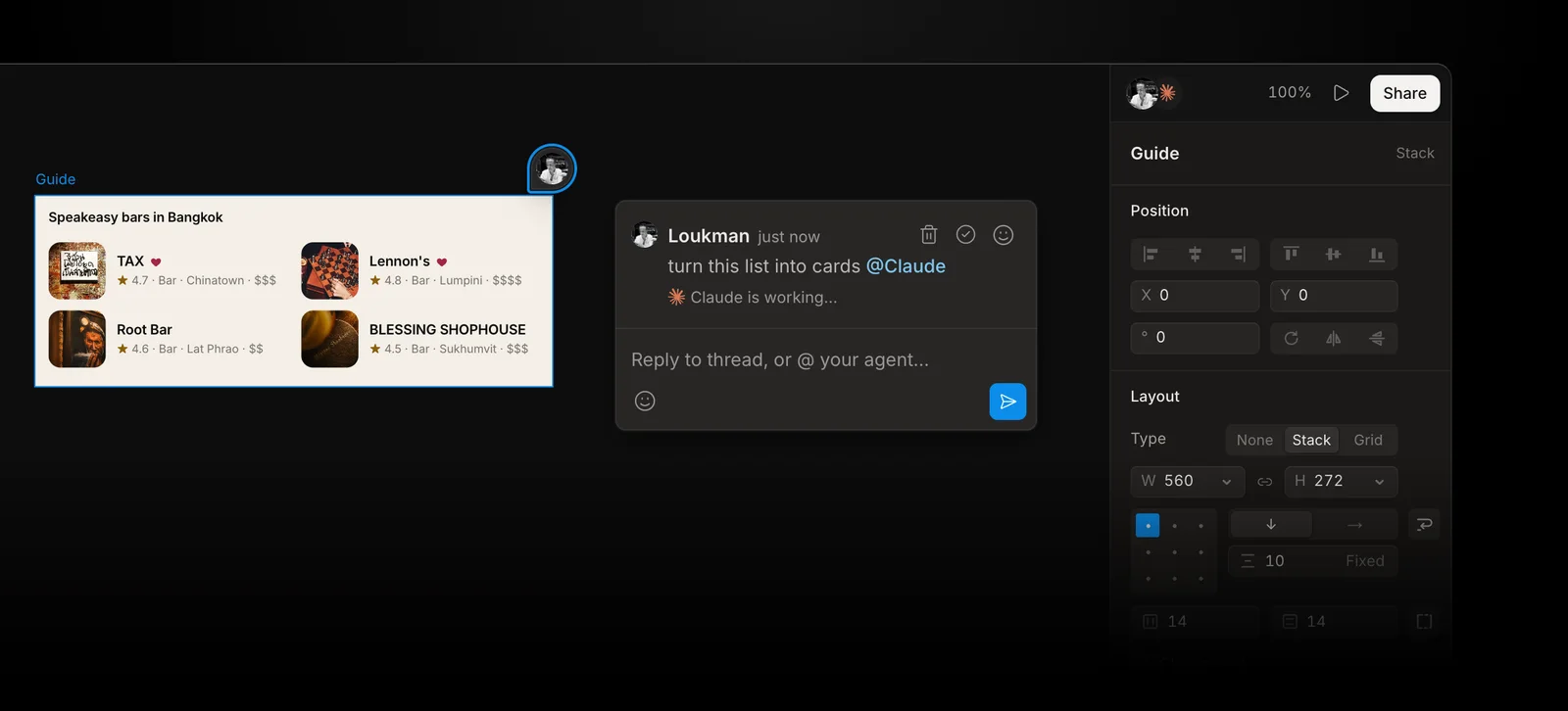
- Requests in comments: Write “@Claude make this card denser” on a frame, and your agent answers in the thread. In a browser you tell it “do my Kite requests”; Kite for Mac can start Claude or Codex as soon as you send.
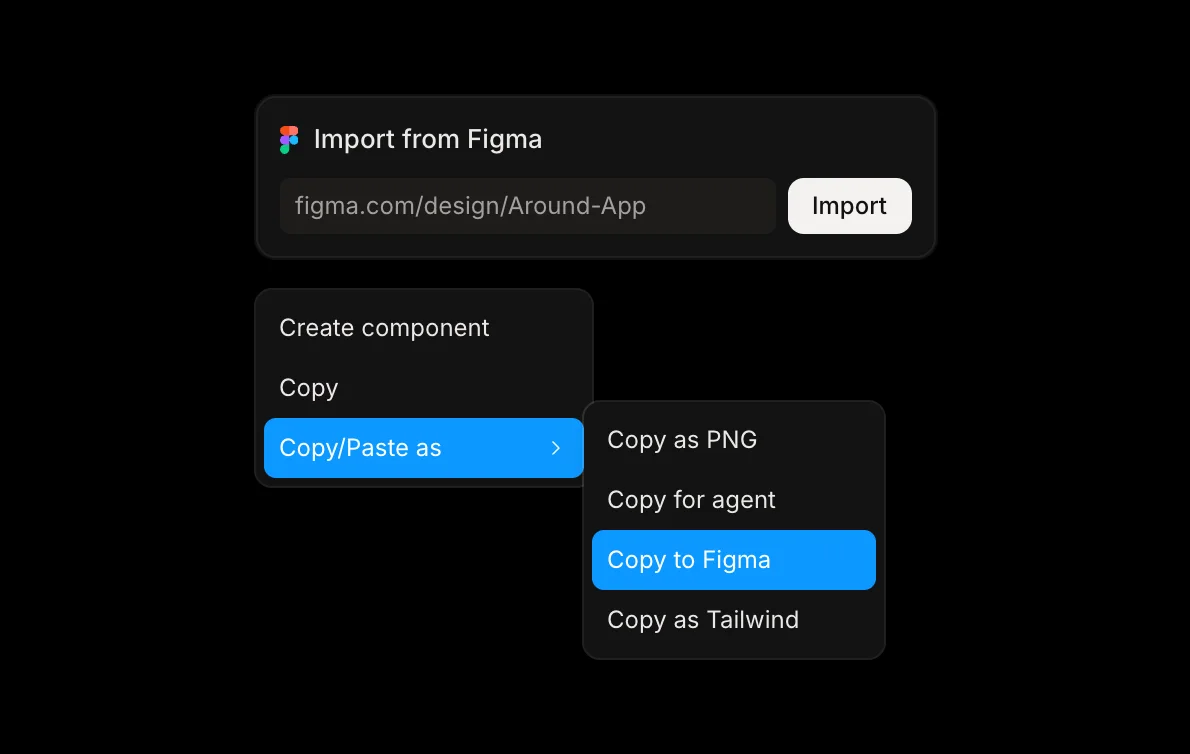
- Figma both ways: A Figma file comes in by link or paste, and Copy to Figma pastes frames back as layers you can edit. Components arrive as ordinary frames, and design system colors as plain colors. It is a copy, not a sync, so choose one home for the file.
- A record: Pro keeps a version history.
We measured one whole task, guides included, on November 3, 2026, giving Claude one brief in several canvases. The designs came out almost the same, but it read and wrote about 4,000 tokens through Kite against about 21,000 through Figma. That counts the text its tool calls sent and returned, not a plan's bill, and the gap is widest on a single task like that one. Claude Design wasn't in it, because Anthropic lists no MCP server for it.
Where Kite is the wrong pick: it has no prototype flows and no app building. Preview shows one frame at a time, with no links between them, so use Claude Design or Figma when clicking through is the point. And if your team has years of files, libraries and Code Connect in Figma, stay there, or use Kite beside it for the agent work.
One way to pair them: explore in Claude Design, then have Claude draw the direction you pick in a Kite file, where your team and every agent keep editing it. That is a one-way copy too, and the clickable links stay behind. To start, see how to design with your agents.
Claude Design vs Figma, side by side
As of November 5, 2026, from each vendor's own pages. Kite, which publishes this page, is in the last column.
| Compare | Claude Design | Figma | Kite |
|---|---|---|---|
| Who makes the design | Claude, and you on the canvas | People; also Figma's agent and Make on AI credits, and outside agents over MCP | Your own agent and your team; Kite runs no model to design |
| Clickable prototypes | Yes, from a prompt | Yes: wired by hand on all plans, or generated with Make | No: Preview steps through frames, with no links |
| Agents other than Claude | Anthropic doesn't list an MCP server or API for them | Catalog clients only; read calls capped per seat; drawing in beta on paid plans | Any MCP client with streamable HTTP and OAuth |
| Editing together | Live on the canvas, though its guide calls it “still basic and may not work reliably” | Several editors live in one file | Everyone's pointer live, agents beside people |
| Version history | “doesn't have version history yet” | 30 days on Starter, unlimited on paid plans | Pro keeps a version history |
| Design system | Beta, Pro and up; from a repo, uploads or Figma files | Components and variables on all plans; publishing libraries on paid plans | From a website, CSS or a DESIGN.md |
| Into code | Handoff to Claude Code; standalone HTML | Dev Mode and Code Connect; agents read files over MCP | Copy as HTML, React or Tailwind; a view-only teammate's agent can read layers |
| Figma | Figma files come in; Anthropic doesn't list an export | Native | Import by link or paste; Copy to Figma as layers |
| Free plan | On Claude Free, without design systems or link sharing | Starter: 3 Design and Sites files, unlimited drafts, 150 AI credits a day, up to 500 a month | Unlimited editors and viewers, 3 files, 200 agent actions a day |
| Cheapest paid plan | Claude Pro, $17 a month billed yearly, $20 monthly | Full seat, $16 a month shown with annual billing | Pro, $20 an editor a month, $16 a month billed yearly |
When Claude Design is the better pick
- You work alone in Claude: There is nothing to install, and it comes with your plan.
- The point is to click through an idea: Anthropic pitches “a clickable flow your team can react to”, and viewers run it with Play. In Figma you draw those connections by hand or use Make. Kite's Preview steps through frames, with no links.
- Your next step is Claude Code: Anthropic's tutorial says an engineer can “build from the actual artboards and the components in them, not from a screenshot.”
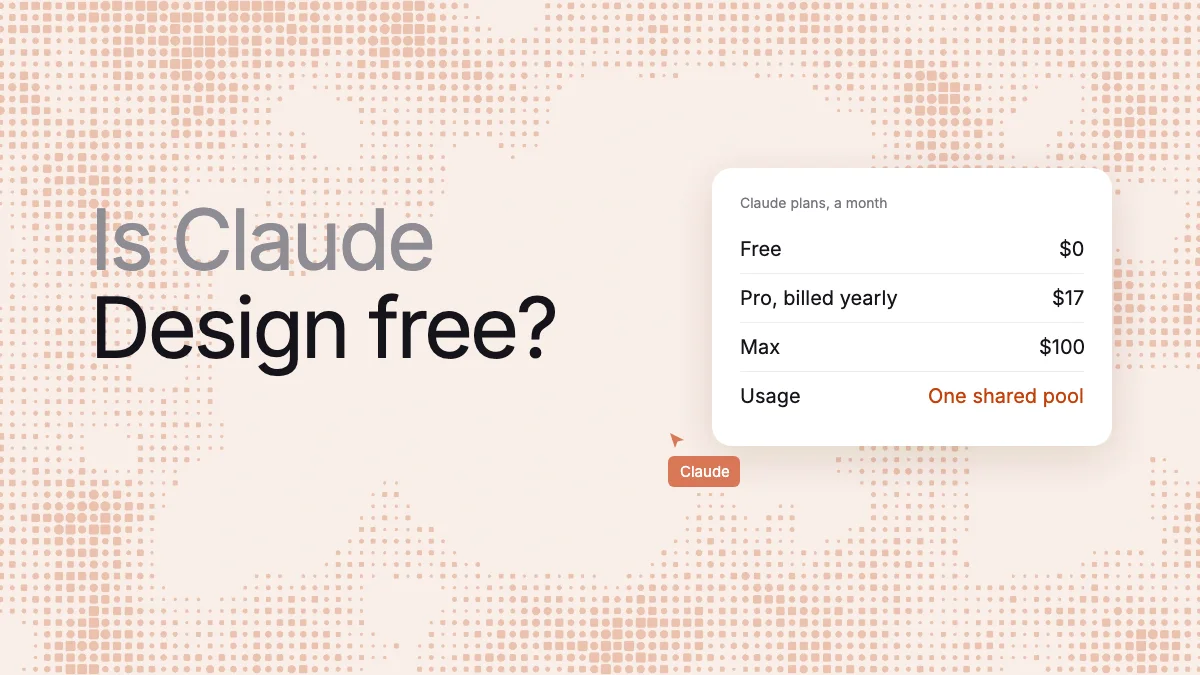
The trade-off is your usage. Design work draws from the same limits as the rest of Claude, and Anthropic doesn't list how much design a plan covers. When the limits run out, Claude Design is unavailable until they reset, unless you've turned on usage credits. See Claude Design pricing.
When Figma is the better pick
- Designers refine the work by hand: Vector networks, auto layout and variables are there on every plan.
- A design system has to last: Paid plans publish libraries to a team.
- Developers build from the file: Dev Mode is a workspace for inspecting, and Code Connect maps components to your code, both on paid plans.
- You need a record: Paid plans keep unlimited version history, and viewers and commenters need no paid seat.
The trade-off is AI credits, as the checkout example above shows, and libraries and handoff cost a paid seat.
Figma Make vs Claude Design
This is the closer match. Figma Make is, in Figma's words, “an AI-driven, prompt-to-app tool” for functional prototypes, web apps and interactive UI. Our Figma Make alternatives page covers its credits. What decides it:
- Your design context: Make kits sync npm packages and library styles, though Starter can't use team libraries. Claude Design reads a GitHub repo, design files or uploads.
- The next step: Make publishes to a web address, with a built-in Payload backend; Starter publishes publicly only through Figma Community. Claude Design hands off to Claude Code, or to tools such as Lovable, Replit and Vercel.
- History: Make has version history for “every AI and manual edit”. Claude Design doesn't yet, though you can ask Claude to save the project before trying a new direction.
- Who pays and who can share: Make runs on Figma AI credits, and on paid plans only Full seats can share or publish. Claude Design runs on your Claude limits, and sharing by link starts on Pro.
- Back to the canvas: On paid plans, a Make preview copies into Figma Design as layers, but changes “aren't applied back” and the layers “aren't automatically tied to your design system”.
Pick Make if your libraries live in Figma and your team has Full seats. Pick Claude Design if your team lives in Claude and isn't paying for Figma.
Can Claude Design work go into Figma?
No Anthropic page lists Figma as an export. The export list has a .zip, PDF, PowerPoint, Google Slides, standalone HTML, Claude Code and 15 other tools. Anthropic lists Figma files only as an input, as a source for a design system.
You may see a page on figma.com titled “Claude Design to Figma — Import decks & slides as editable layers”. It is a Figma Community plugin published by Renan Deves, not a feature of Figma or Anthropic. Its page says “Not affiliated with or endorsed by Anthropic.” It imports only what its Chrome extension captures, and it speaks only of decks and slides, which Anthropic now treats as a separate tool, Claude Slides. It gives 10 free imports a month, and Pro is $4.80 a month at its launch price, then $9.
Figma's own html_to_figma tool turns a self-contained HTML document into plain layers, without your components, though Figma doesn't mention Claude Design. For the steps, see how to get a Claude Design into Figma.
How we checked
Methodology: on November 5, 2026, we read Anthropic's help center, product page, academy tutorial and pricing, and Figma's pricing, help center and developer docs, all linked where they are used. The token figures are from our own test on November 3, 2026, one run per tool, which Kite wrote and ran. The plugin facts come from its own Figma Community and Chrome Web Store pages; we didn't install it. We didn't run Claude Design or Figma Make side by side. Where a vendor doesn't say something, we write that it doesn't list it rather than guess. We check this page again every quarter.
Questions
- Can Claude Design replace Figma?
- For one person making a first version or a clickable flow, it can. For a team that maintains designs, not yet: Anthropic says Claude Design has no version history yet and that two people editing at once may not work reliably. Figma has both, plus libraries and Dev Mode on paid plans.
- What is the difference between Figma Make and Claude Design?
- Both turn a prompt into something you can click. Figma Make runs on Figma AI credits, uses your Figma libraries on paid plans, and publishes to a web address (on Starter, publicly only through Figma Community). Claude Design runs on your Claude usage limits, and hands off to Claude Code or tools such as Lovable, Replit and Vercel.
- Can you export Claude Design to Figma?
- No Anthropic page lists a Figma export. A third-party Figma Community plugin by Renan Deves imports Claude Design decks with the help of a Chrome extension, and says it is not affiliated with Anthropic. Figma's own html_to_figma tool turns an HTML document into plain layers, but Figma doesn't mention Claude Design.
- Can Claude design directly in Figma?
- Yes, through Figma's MCP server, not through Claude Design. With the use_figma tool, Claude runs code in your file to build frames, components and variables. It needs a paid Figma plan and edit access. It is in beta and free for now, and Figma says it will become a usage-based paid feature.