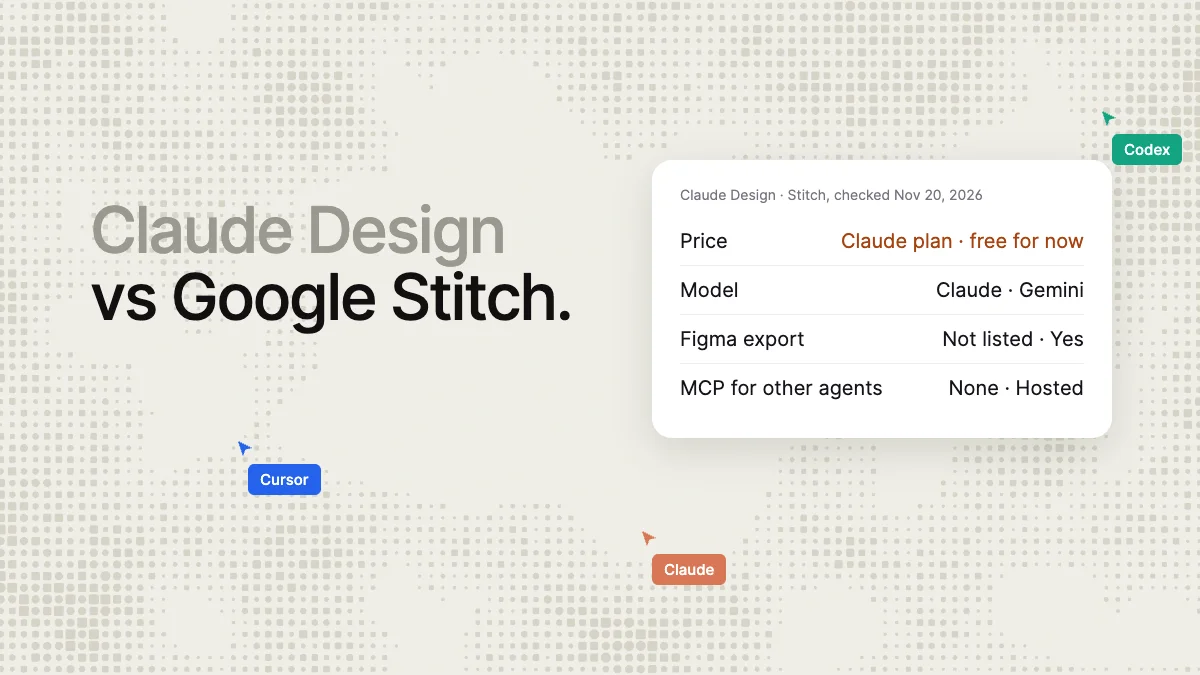
Short answer: Use Google Stitch for free UI screens and front-end code from Gemini, especially when the next stop is Figma. It is free for now on a daily credit limit, exports Figma layers, and other agents reach it over MCP. Use Claude Design if you already work in Claude and want prototypes, one-pagers or landing pages built on your design system, then handed to Claude Code. If your own agent should draw in a file your team keeps editing, there is a third option, Kite (kite.new), which we make.
Key takeaways
- Google Stitch is Google Labs' AI design canvas: free “currently”, Gemini inside, Figma export, and a hosted MCP server for coding agents.
- Claude Design is Anthropic's design tool in every Claude chat and plan, on your shared Claude usage, with PDF, PowerPoint and HTML exports and handoff to Claude Code.
- Stitch exports to Figma; no Anthropic page lists a Figma export for Claude Design.
- Claude Design has no version history yet, per Anthropic; Google's pages we read don't mention one for Stitch.
- Google doesn't state how many daily credits Stitch gives. Anthropic doesn't state how much design a Claude plan covers.
- On December 14, 2026 only claude.ai/design closes, and Claude Design itself continues inside Claude.
Every Claude Design and Stitch fact below was read on Anthropic's and Google's own pages on November 20, 2026; Kite's come from our own product. Kite runs no model to design, and we say where it is the wrong pick.
Claude Design vs Google Stitch: which to use for what
| You want | Use | Because |
|---|---|---|
| Free UI screens to explore ideas | Google Stitch | Free for now, on a daily credit limit |
| Screens your designer finishes in Figma | Google Stitch | It exports Figma layers with auto layout and editable text |
| Cursor or Gemini CLI to generate screens | Google Stitch | Its hosted MCP server has setup steps for them |
| A prototype on your React design system | Claude Design | /design-sync in Claude Code reads your components |
| A one-pager, PDF or PowerPoint from a chat | Claude Design | It exports PDF, PowerPoint and Google Slides |
| A design an engineer builds in Claude Code | Claude Design | Handoff to Claude Code is one of its exports |
| Claude, Codex or Cursor drawing in a file your team edits | Kite | Your own agent draws real layers, with no AI credits |
What each one is
Claude Design is Anthropic's design tool inside Claude. It “lets you create designs, interactive prototypes, one-pagers, and other visual work by chatting with Claude”, per its getting-started guide. It works on a canvas of artboards with layers you can drag, resize and align. You start it from any chat, from Claude Code with /design, or from the Artifacts tab. Its Design template covers “mockups, prototypes, one-pagers, and landing pages”, and Anthropic pitches it for turning “a rough idea into a clickable flow your team can react to”.
Google Stitch is “an AI-native software design canvas developed by Google Labs”, per its FAQ. Gemini turns a prompt into screens and “clean, semantic HTML and CSS (including Tailwind support)”, and you can connect screens “with interaction hotspots” to click through. At Google I/O 2026, Google added starting from “existing codebase and design files”. On November 18, 2026 it opened a waitlist for Stitch Loop, “a long-running product agent” that watches your codebase and live metrics and opens GitHub pull requests for your approval. Our Google Stitch review covers it in depth.
Both start from a sentence, and the difference is what surrounds them: Claude Design sits inside the assistant and coding agent you already use, and Stitch is a separate Google app that other agents can call.
Claude Design vs Google Stitch, side by side
As of November 20, 2026, from each vendor's own pages, linked in the sections below; Kite, which publishes this page, is in the last column.
| Compare | Claude Design | Google Stitch | Kite |
|---|---|---|---|
| What it makes | Designs, interactive prototypes, one-pagers, landing pages | UI screens with HTML and CSS, and click-through prototypes | Design files of real HTML and CSS layers |
| Where it runs | Any Claude chat, Claude Code, the Artifacts tab, the iOS and Android apps | Its own web app; English, 18+, where Gemini is available | In the cloud, in any browser or Kite for Mac and Windows |
| Model | Claude; Anthropic doesn't name the model | Gemini; 3.8 Flash and a Speed Mode announced, default not named | None of its own: your agent does the designing |
| Price and plans | Every Claude plan; Pro $17 a month billed yearly, $20 monthly | Free “currently”; no paid plan listed | Pro $20 an editor a month, $16 billed yearly |
| Free use | On Claude Free, without design systems or link sharing | Daily credit limit, reset at midnight UTC; number not stated | Unlimited editors and viewers, 3 files, 100 agent actions a day |
| Design systems | Beta, Pro and up: from a repo, design files (Figma included) or uploads | DESIGN.md, or extracted from a URL or image | Design systems with variables and modes, like light and dark; 3 on Free |
| Exports | .zip, PDF, PowerPoint, Google Slides, standalone HTML, 15 tools, Claude Code | HTML and CSS; an AI Studio link; Antigravity; Netlify | PNG, JPG, WebP, AVIF, SVG, PDF; copy as HTML, React or Tailwind |
| Figma | No export listed; Figma files only as an input | Exports with auto layout, named layers and editable text | Paste frames to and from Figma as editable layers |
| Agents and MCP | Claude only; no MCP server for other agents listed | Hosted MCP server with 14 tools, plus a CLI; agents prompt Gemini | Claude, ChatGPT, Cursor, Codex or any MCP client draws the layers itself |
| Team editing | View, comment or edit; editing at once “still basic” | Not described on the Google pages we could read | Live cursors and selections for everyone in the file |
| Version history | “doesn't have version history yet” | Not stated | On Pro: autosaves about every 10 minutes, plus named versions |
| On December 14, 2026 | claude.ai/design closes; Claude Design continues inside Claude | Nothing changes | Nothing changes |
Price and free use
Google Stitch is free. Its FAQ says: “Yes, Stitch is currently provided free of charge. It operates on a daily credit limit.” Credits reset at midnight UTC. Google doesn't state how many credits you get, and lists no paid plan; the word “currently” is Google's own, so plan for that to change.
Claude Design comes with every Claude plan, Free included, per Claude's pricing; Pro is $17 a month billed yearly, or $20 monthly. It “counts toward the same usage limits as the rest of Claude”, Claude Code included, and Anthropic gives no number of designs per plan. On Free, there are no design systems and no link sharing. Our Claude Design pricing guide goes plan by plan.
So the costs differ in kind: Stitch costs nothing until its daily limit, and Claude Design spends the same Claude usage your chats and coding do, and neither publishes the size of that limit.
Getting the work into Figma
This is Stitch's clearest lead. Its FAQ says Stitch “creates properly structured Auto Layouts, named component layers, and editable text fields” when it exports to Figma.
Anthropic's export list for Claude Design has a .zip, PDF, PowerPoint, Google Slides, standalone HTML, Claude Code and 15 other tools, among them Canva, Lovable, v0 and Vercel, but it doesn't list Figma. Figma appears only as an input: you can ask Claude “to build a design system from your connected apps, uploaded files, Figma files”. For the routes that exist, see how to get a Claude Design into Figma and Claude Design vs Figma.
For example, say a founder wants three onboarding screens that a designer will finish in Figma. In Stitch, they prompt Gemini on the free daily credits and export the screens to Figma as layers with auto layout. In Claude Design, they get a clickable flow they can share by link on Pro, but Anthropic lists no route to Figma, so the designer starts from exported HTML or a PDF. This example comes from each vendor's documentation; we didn't run it in either tool.
Design systems
Claude Design builds with your real components. It takes a design system “from a GitHub repo, design files, raw uploads, or your local codebase”, and React libraries come in with /design-sync in Claude Code. Its design system guide says design systems are in beta on Pro and up, and its product page says admins can lock a team to one approved system.
Google Stitch keeps a theme and its rules in a DESIGN.md, a markdown file agents can read, which you can upload through its MCP tools. Its DESIGN.md guide says that if you already have a brand, you “provide a URL or image. The agent extracts your palette, typography, and style patterns”.
If your design system is code, Claude Design reads it directly; if it is a brand and a website, Stitch gets there from a URL.
Other agents and MCP
MCP (Model Context Protocol) is the open standard that lets an AI agent use another tool, and it is where the two differ most.
- Claude Design works only with Claude: Anthropic documents no MCP server, connector or API that Cursor, ChatGPT or Codex could call; Claude Code reaches it through its own
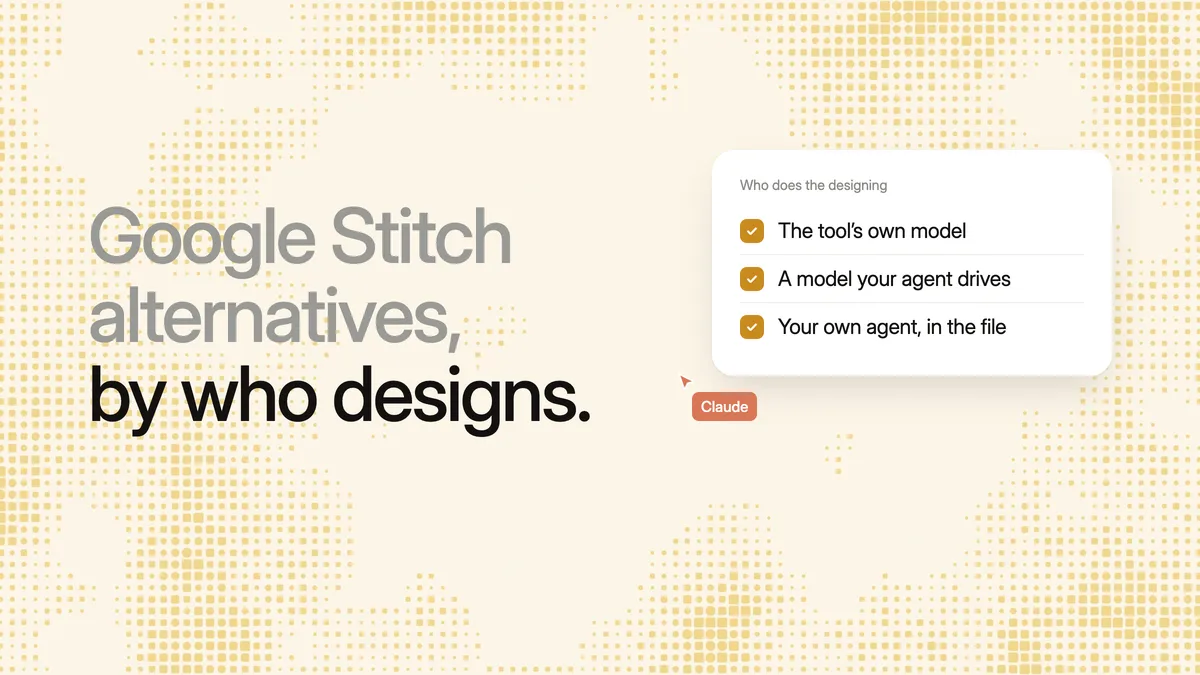
/designcommand; see Claude Design MCP. - Google Stitch “is a Remote MCP server. It lives in the cloud”, with an API key or an OAuth token “usually lasting 1 hour”, per its setup docs, which cover Gemini CLI, Cursor, Antigravity, VS Code and Claude Code. Its command-line tool adds a local server for Antigravity, Claude, Cursor and VS Code; neither lists Codex. Through it, an agent can “request direct layout edits, or automatically generate design variants”: the agent asks, and Gemini draws. The SDK takes Gemini 3.8 Flash or Gemini 3.5 Flash-Lite.
If your team mixes agents, Stitch is the only one of the two that agents other than Claude can reach.
What December 14 changes for this choice
Anthropic's moving guide says the standalone site, claude.ai/design, closes on December 14, 2026. It tells you to move or download your projects before then. Anything left there is deleted some time later, and your chats and comments don't move, though pages published with “Publish as artifact” keep their links.
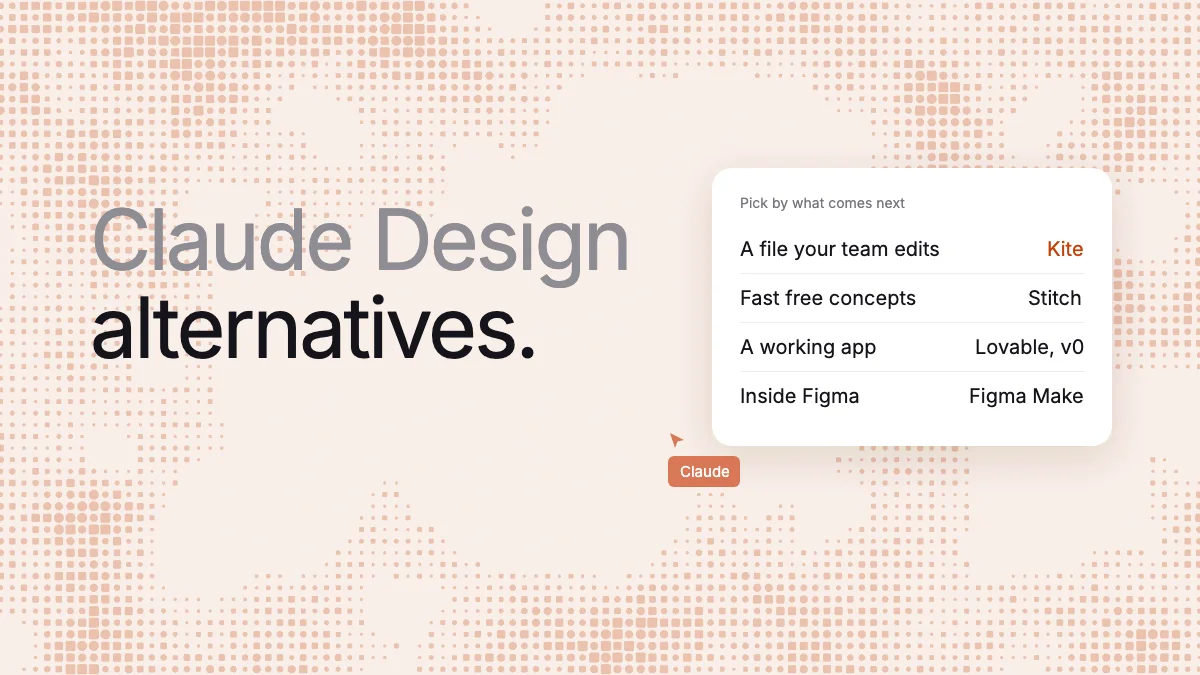
Claude Design itself keeps working in every Claude chat, so December 14 is a deadline for old projects, not a reason to move to Stitch. Downloading a project archive is free and doesn't count toward your limits. Switch only for what Stitch has and Claude Design lacks: a free generator, Figma export, or one server for every agent. If you stay, note that sharing a design by link starts on Claude Pro, per Anthropic's sharing guide. The full checklist is in is Claude Design shutting down?, and other tools are in Claude Design alternatives.
Where Kite fits
Kite (kite.new) is a third option for one job. Your own agent, such as Claude, ChatGPT, Cursor or Codex, draws real HTML and CSS layers in a shared file your team edits and comments on. In Stitch, your agent prompts Gemini; in Kite, it draws and edits the layers itself, and Kite runs no model to design, so there are no AI credits.
- Figma both ways: frames paste to and from Figma as editable layers, with Copy to Figma.
- Limits you can read: 100 agent actions a day on Free, unlimited on Pro.
- Comments as jobs: @-mention an agent in a comment; in Kite for Mac and Windows it can start at once.
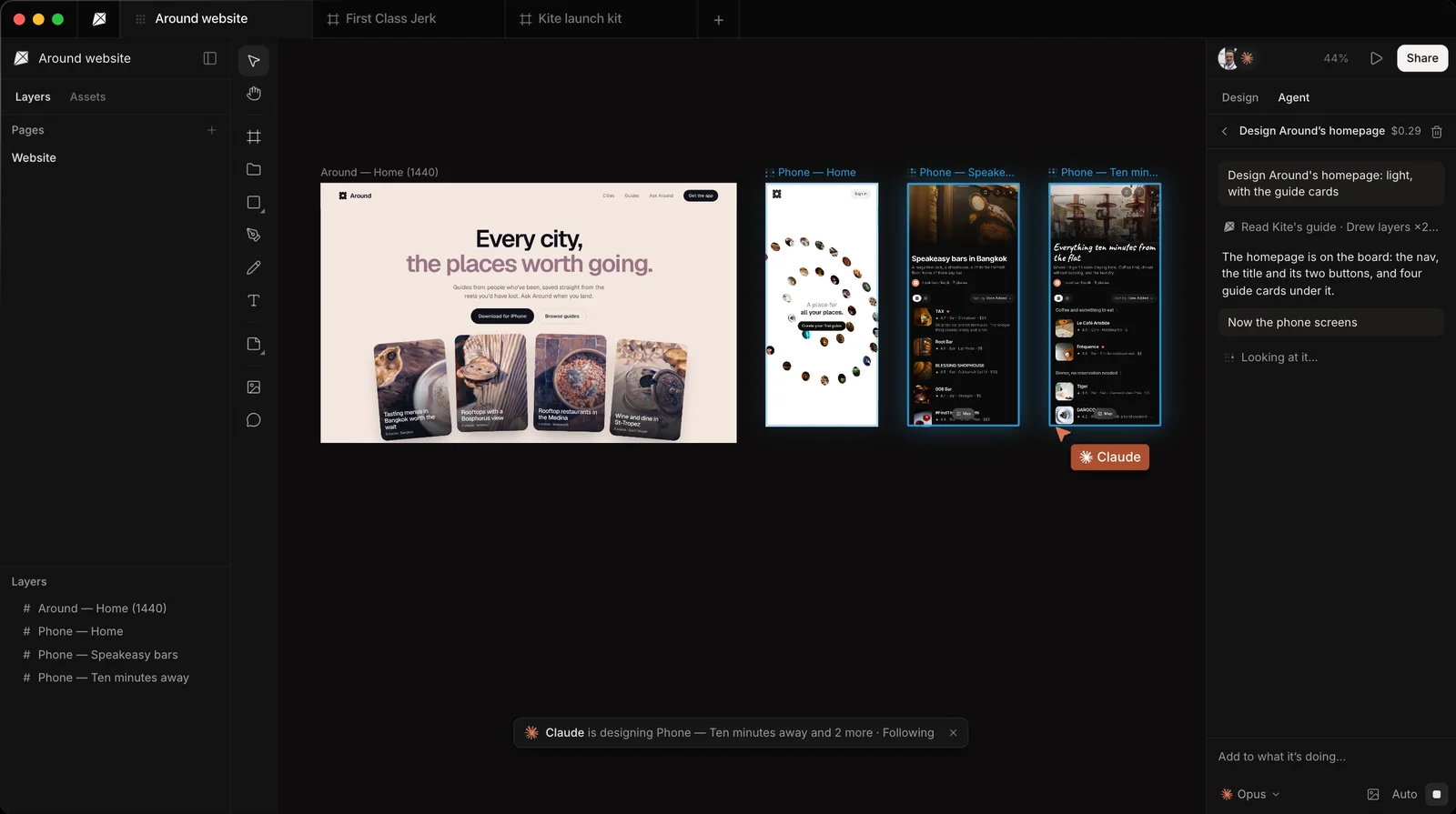
Where Kite is the wrong pick: it has no clickable prototype flows and doesn't generate screens with a model of its own. For free first drafts, Stitch generates the screens for you; for prototypes in Claude, Claude Design; our Kite vs Google Stitch page compares the two directly.
How we checked
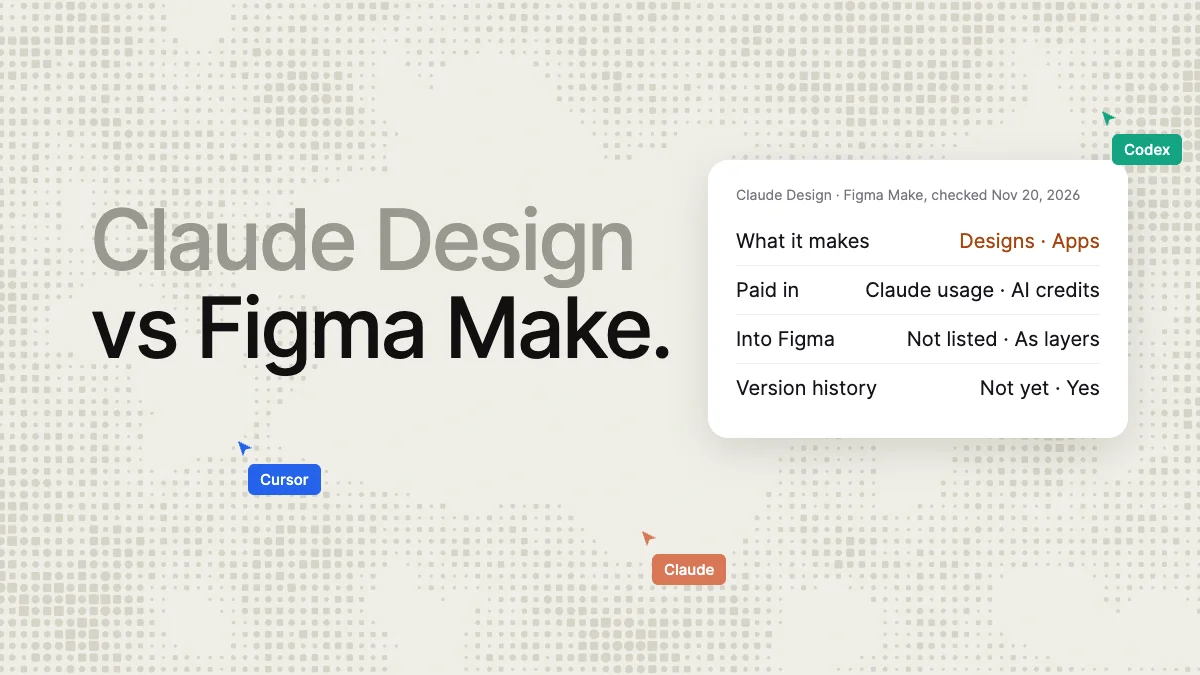
Methodology: on November 20, 2026, we read Anthropic's getting-started guide, product page, pricing, sharing guide, design system guide and moving guide. On Google's side we read the Stitch FAQ, MCP setup and reference, DESIGN.md and command-line docs, the SDK readme, the in-app release notes and two Google blog posts, all linked where used. Stitch's site shows no text to our fetcher, so its FAQ and notes were read from the app's own files; its terms page didn't load, so we don't describe Stitch's sharing, and we didn't run the two side by side. Where a vendor doesn't say something, we say so rather than guess, and we check this page again every quarter. For Figma's prompt-to-app tool, see Claude Design vs Figma Make.
Questions
- Is Google Stitch better than Claude Design?
- For free UI screens that go on to Figma, Stitch is the better pick. Google says it is currently free on a daily credit limit, and it exports to Figma with auto layout and editable text. For prototypes, one-pagers and landing pages built on your design system and handed to Claude Code, Claude Design is. Which is better depends on where the work goes next.
- Is Google Stitch free?
- Yes, for now: Google's FAQ says Stitch "is currently provided free of charge" on a daily credit limit that resets at midnight UTC. Google doesn't state how many credits you get, and lists no paid plan.
- Is Claude Design free?
- Yes. It is on every Claude plan, Free included, and draws from the same usage limits as your chats and Claude Code. On Free there are no design systems and no sharing by link, and Claude Pro is $17 a month billed yearly, or $20 monthly.
- Which one exports to Figma?
- Google Stitch. Its FAQ says it exports to Figma with auto layouts, named component layers and editable text. No Anthropic page lists a Figma export for Claude Design; Anthropic lists Figma files only as an input for a design system.
- Which AI model does each use?
- Claude Design runs on Claude, and Anthropic doesn't say which model. Stitch runs on Gemini: its in-app notes announced Gemini 3.8 Flash and a Speed Mode on September 2, 2026, and its SDK takes Gemini 3.8 Flash or Gemini 3.5 Flash-Lite. Google's Stitch account on X calls 3.8 Flash the default; its web pages don't.
- Can Claude Code use Google Stitch?
- Yes. Stitch's MCP setup docs include Claude Code, and its command-line tool installs a local MCP server in Claude Code and Claude Desktop. Claude Code also reaches Claude Design, through its own /design command.
- Does Google Stitch work with Codex?
- Google's docs don't list it: Stitch's hosted MCP setup covers Gemini CLI, Cursor, Antigravity, VS Code and Claude Code, and its command-line tool installs in Antigravity, Claude, Cursor and VS Code. Anthropic documents no way for Codex to use Claude Design either.
- What happens to Claude Design on December 14, 2026?
- Only its standalone site, claude.ai/design, closes, and Claude Design keeps working inside Claude. Move or download old projects before then: Anthropic says what is left there is deleted some time after, and chats and comments don't move. Stitch isn't affected.